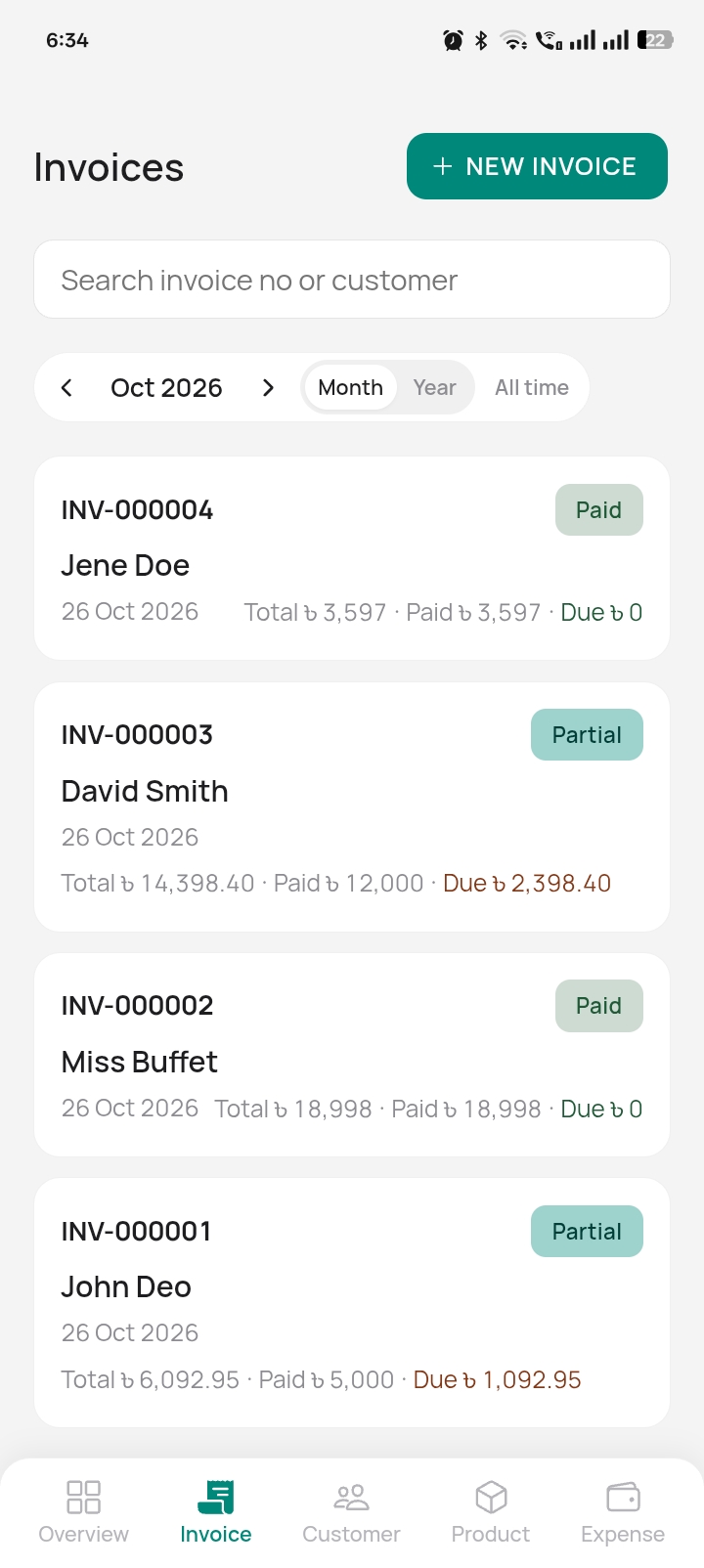
4-step invoicing
A guided flow from customer to items to payment to a finished invoice — no manual paperwork.
Invoices, dues, stock and expenses, offline. Share on WhatsApp. Your data stays with you.
Works offline Bangla & English One-file backup Android +
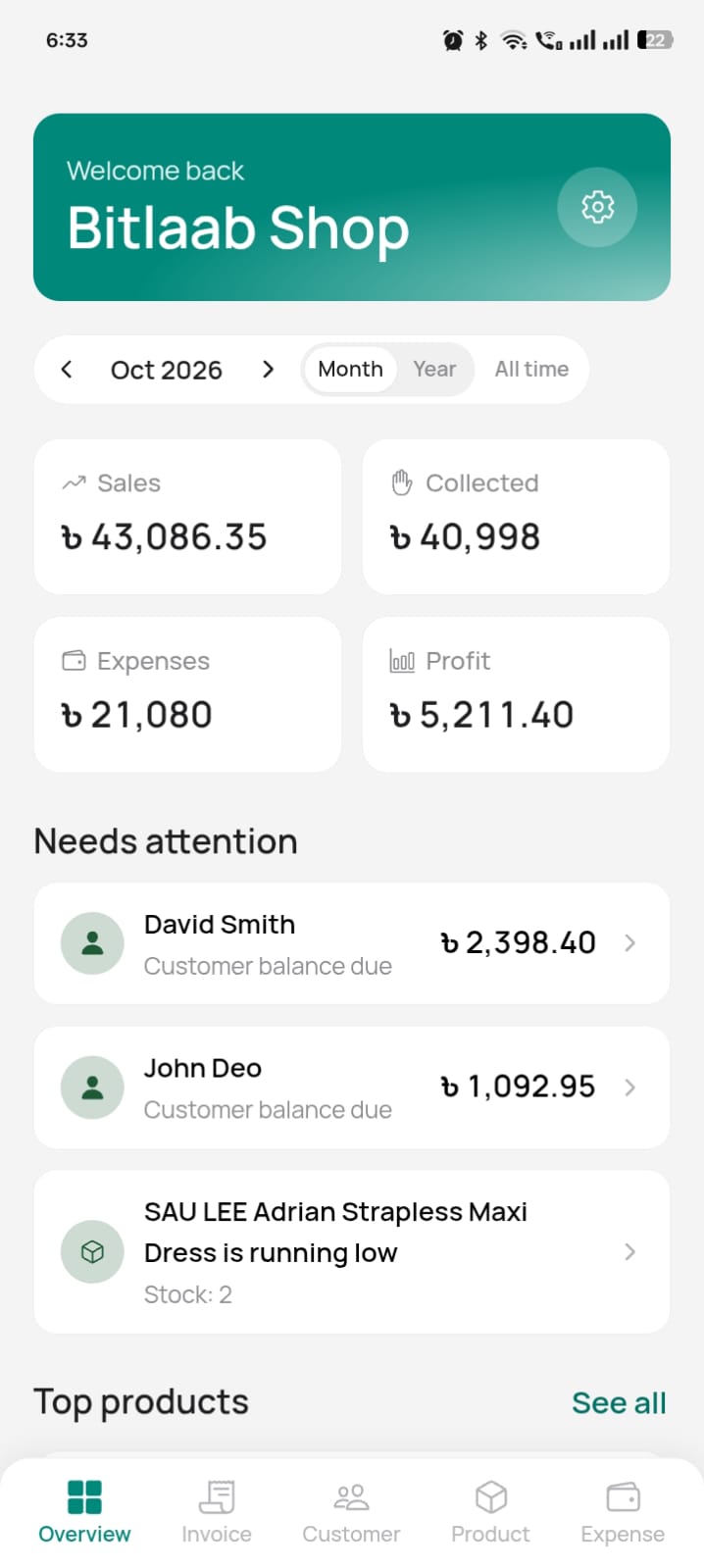
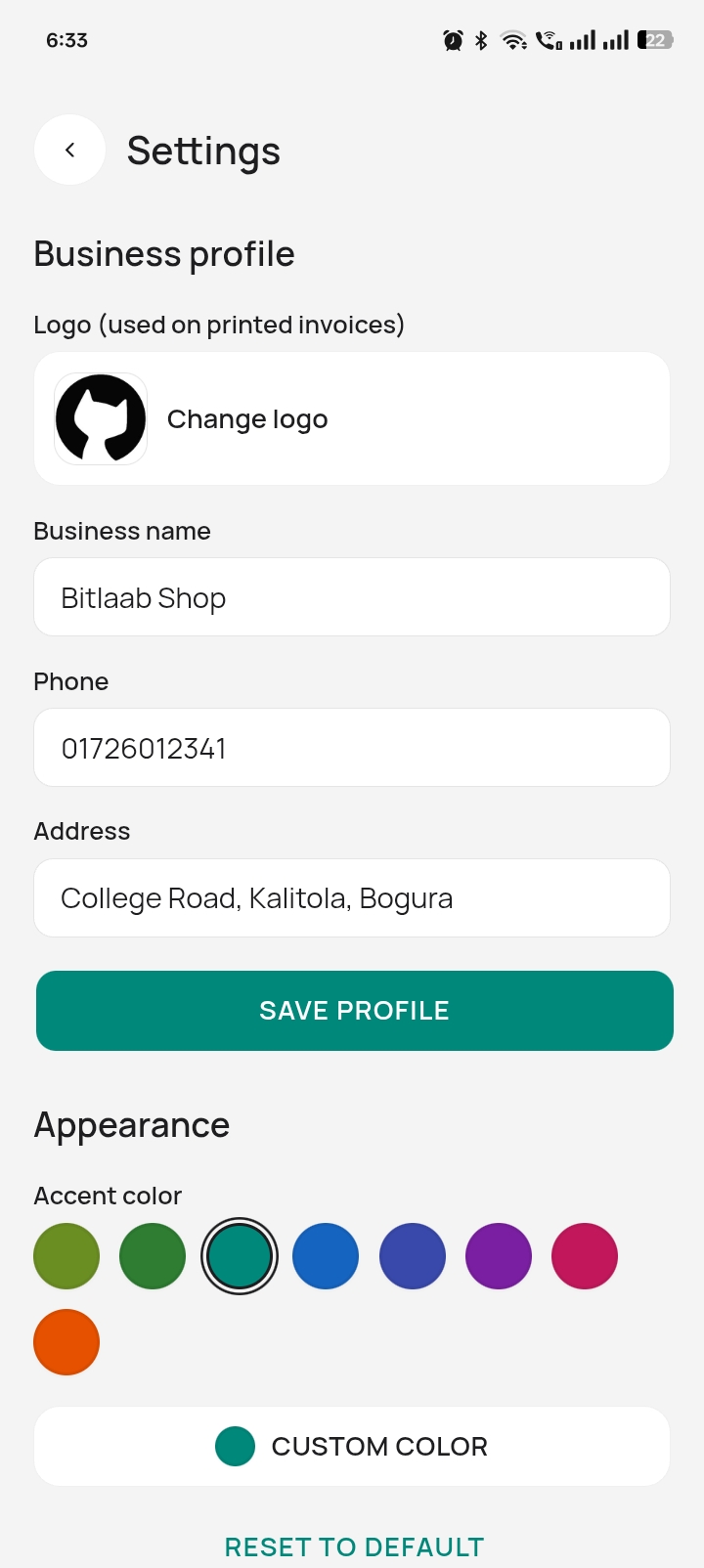
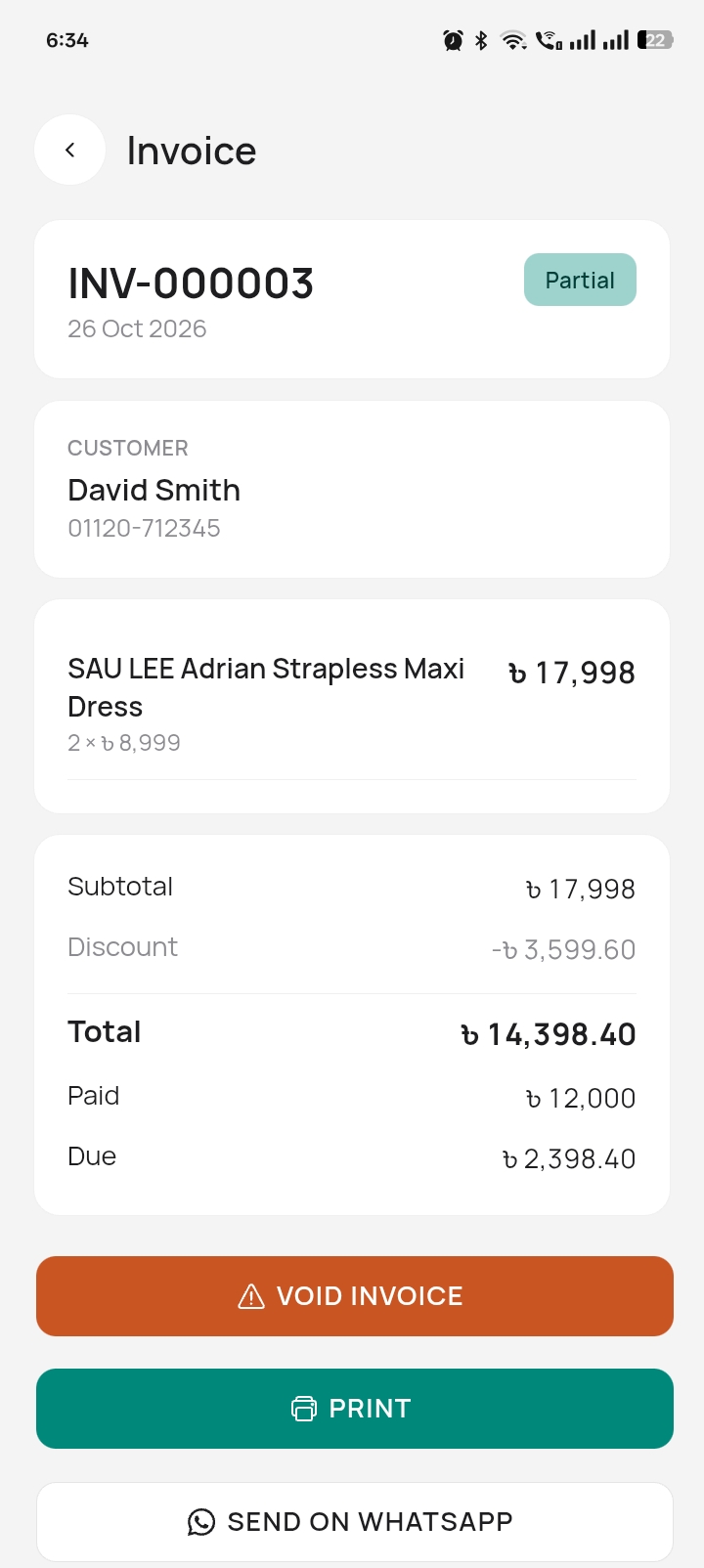
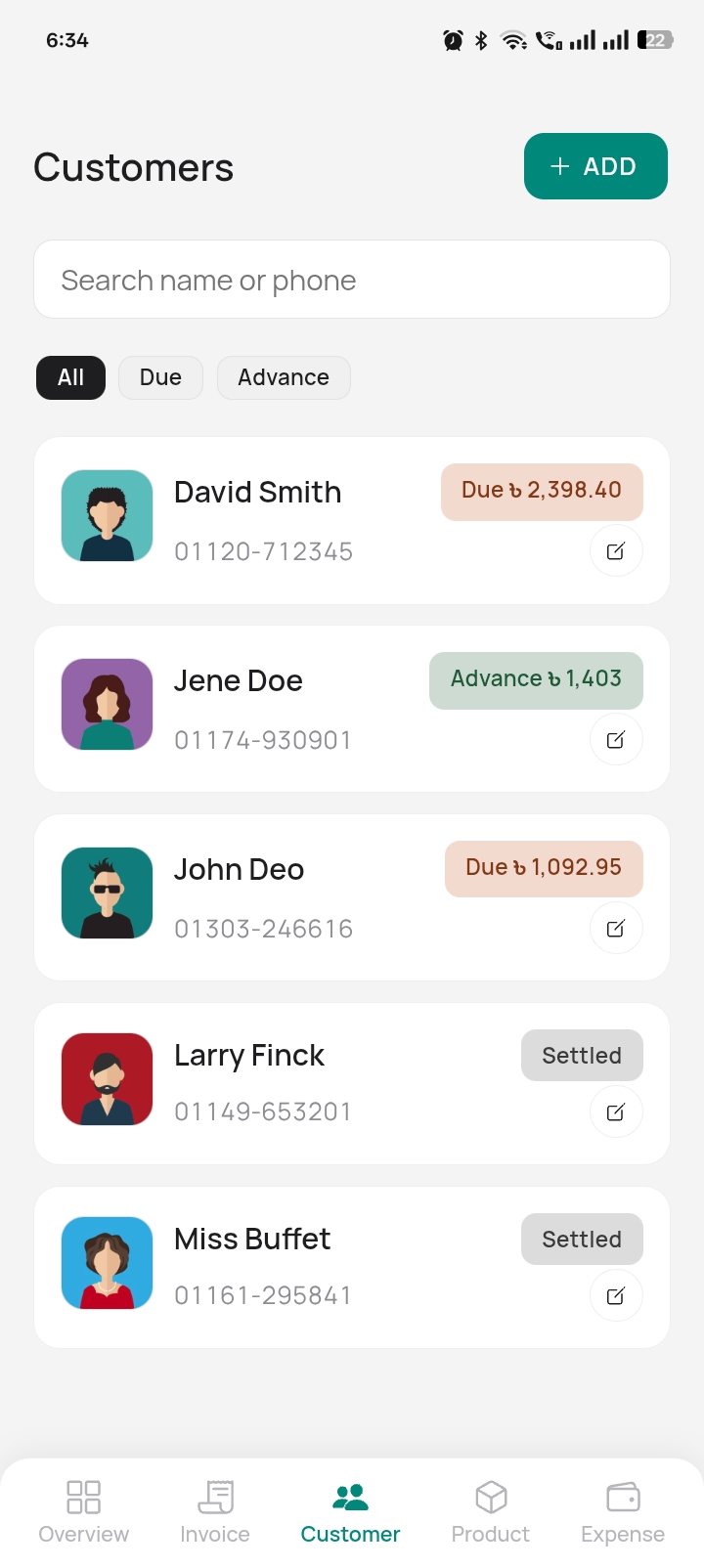
A guided flow from customer to items to payment to a finished invoice — no manual paperwork.
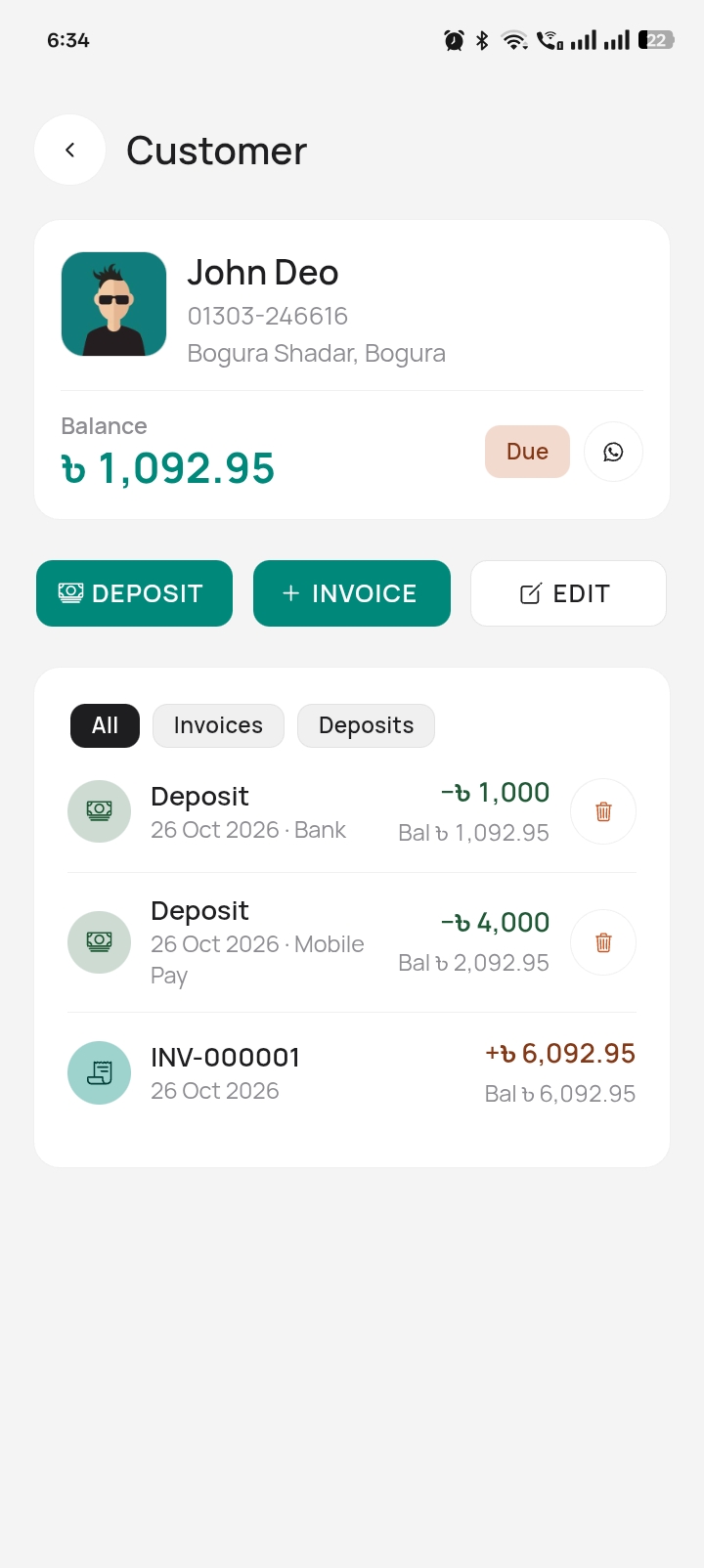
Balances and full transaction history per customer. Old customers can be archived instead of deleted.
Payments auto-allocate to linked invoices, then oldest-unpaid-first. Paid status is always derived, never guessed.
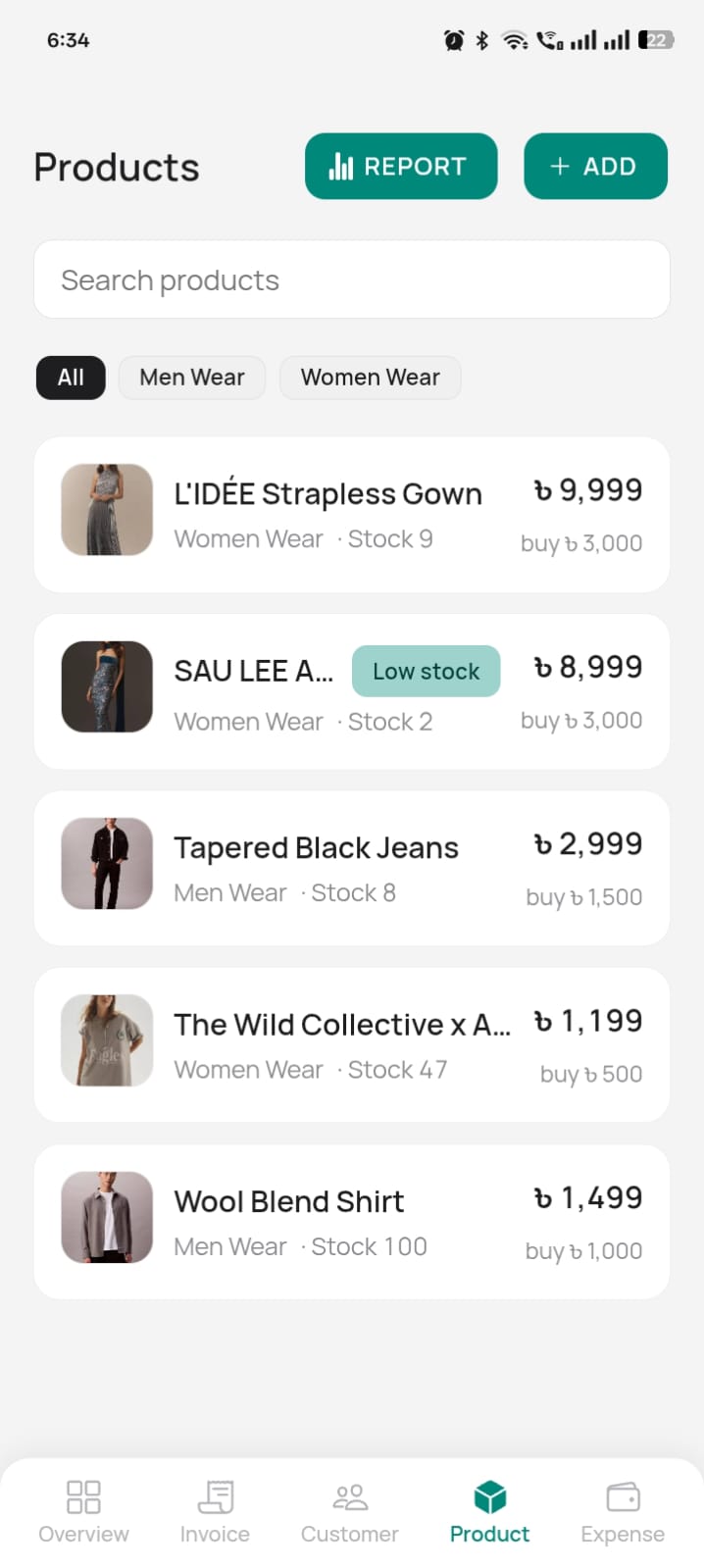
Optional per-product stock counts with low-stock visibility, so you reorder before the shelf is empty.
Invoice copies and polite due reminders over wa.me links — no extra app needed for your customers.
A real SQLite .db file — photos included — that you export, restore and keep anywhere. CSV exports for Excel too.
Orbill works fully offline after setup. The only network call it ever makes is a one-time license check. Your invoices never touch a server.
Direct APK install — a signed release, no Play Store account needed.
The app is not on Google Play yet.
How to install on AndroidPayment is processed manually by our support team. Send your name, phone number, and payment details through our contact page, and a support member will handle the rest — including your activation.
Request paymentAndroid blocks apps installed outside the Play Store by default. You'll flip one switch — per app, not device-wide.
On some brands the toggle lives at
Settings → Apps → Special access → Install unknown apps (e.g. Xiaomi/MIUI,
Samsung).
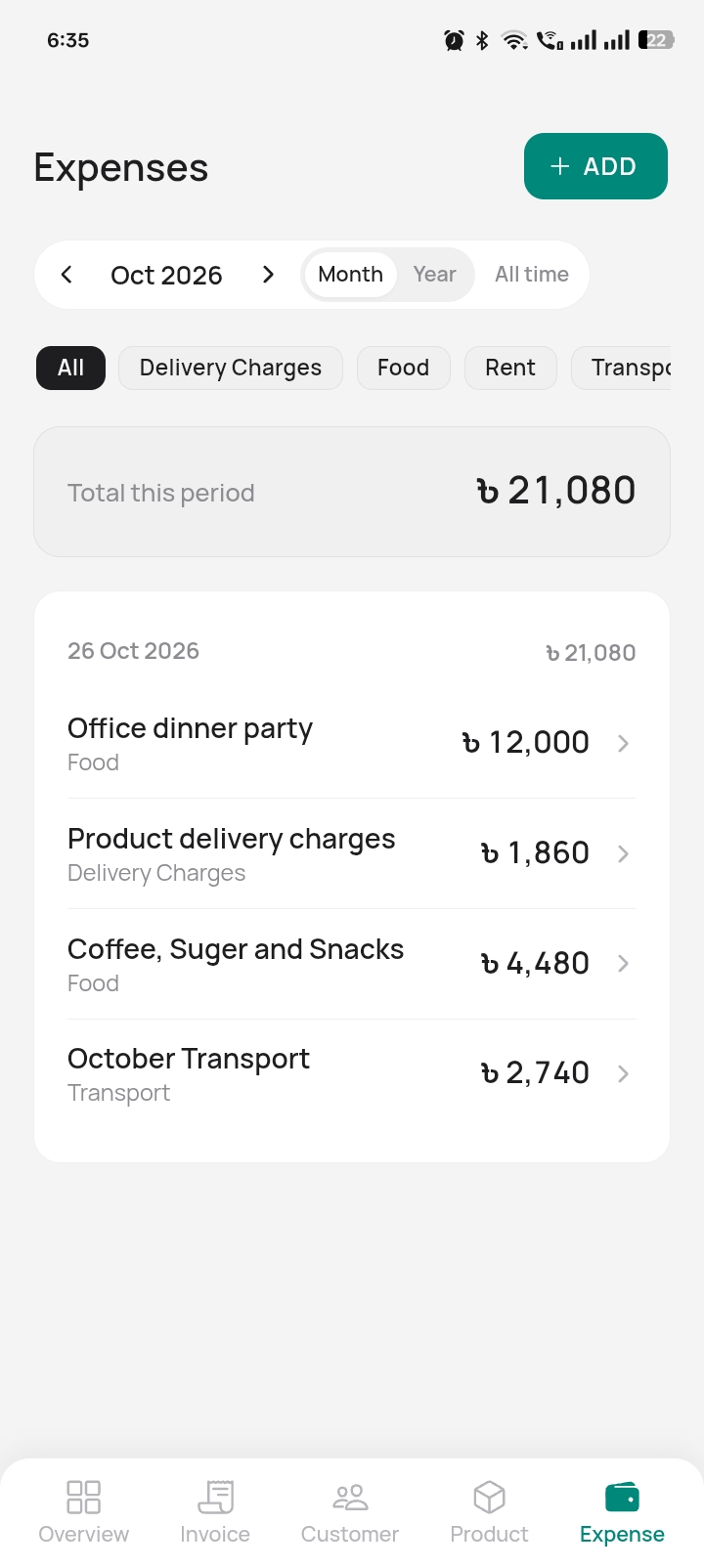
Yes. After setup, everything — invoicing, ledgers, stock, expenses — runs entirely on your device. The only network call it ever makes is a one-time license check. A dropped connection never blocks a sale.
Backup is one SQLite .db file — invoices, customers, stock and photos included. Export it and keep it anywhere you like: SD card, Drive, your laptop. Restoring is importing the same file.
That's Android's default block on apps outside the Play Store. You allow it per app with the Allow from this source toggle, and Play Protect may ask for one more confirmation. See the install guide above — it walks through every screen.
Android and newer.
Payment is handled manually by our support team. Send your name, phone number and payment details through bitlaab.com/contact, and a support member completes the payment and activation with you.
Yes. Invoices and expenses export as CSV for Excel, and the full backup is a standard SQLite file you can open with any SQLite tool. Your data is never locked in.